|
Help Menu and Toolbar
|
   |
|
Help Menu and Toolbar
|
|
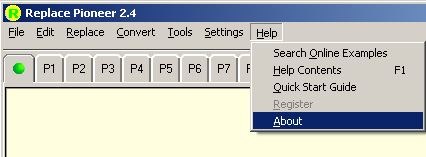

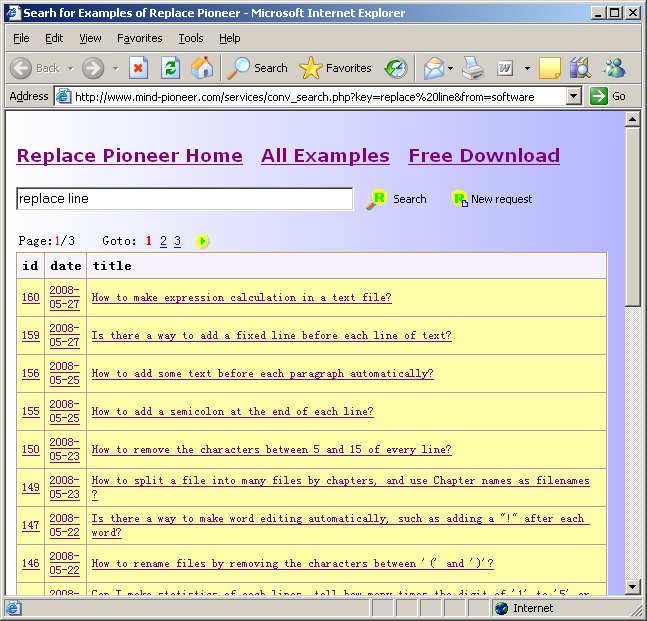
1. Search Online Example => By clicking 'Search Online Exmaples' menu or toolbar
You can be brought to webpage of online example:
2. Help Contents => by pressing F1 user can activate context related help page.
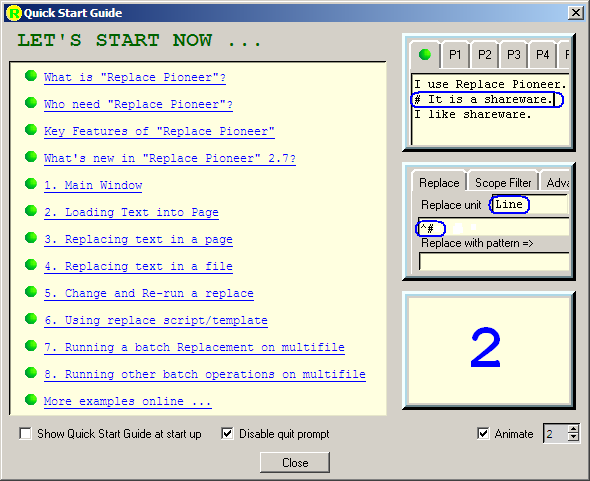
3. Quick Start Guide => launch Quick Start page of Help, user can check/uncheck "Show Quick Start Guide on Start" in the bottom of Quick Start Guide window, user can also enable/disable quit prompt at the window.
User can also browse some typical animated examples in the right of the window.
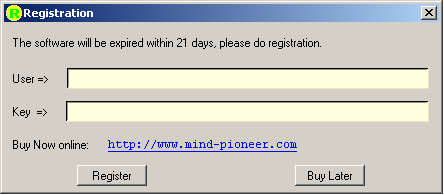
4. Register => after purchase, user will get a UserName and Key, enter them and click OK, the formal license will be activated. The unregistered version will be expired within 21 days, see Registration for detail.
5. About => show version, website and support info of the software.